

In today’s digital world, many of us spend hours working on computers or mobile devices. From office work to gaming, many tasks require repetitive clicking. Over time, this can become boring, tiring, and even stressful for your hands.
That’s where smart tools come into play. One such useful solution is an Auto Clicker Tool, which helps automate repetitive clicking tasks and makes your work much easier.
Instead of manually clicking repeatedly, this tool can perform those actions for you. It not only saves time but also improves your overall productivity. Whether you are a student, professional, gamer, or casual user, this tool can be a game-changer in your daily digital activities.
Table of Contents
What is an Auto Clicker Tool?
An Auto Clicker Tool is a simple software program that automatically performs mouse clicks based on your settings. You can decide how fast the clicks should happen, where they should occur, and what type of click is needed.
For example, if you need to click a button hundreds of times, you don’t have to do it manually. Just set up the tool, and it will handle the task for you. Most Auto Clickers are lightweight, easy to install, and simple to use, even for beginners.
Why Auto Clicker Tool Important?
Repetitive tasks may seem small, but they can take up a lot of time and energy. Clicking continuously can also lead to hand fatigue or discomfort. Using an Auto Clicker Tool can help you avoid these issues and work more efficiently.
This tool is especially helpful in situations where speed and consistency are important. It ensures that every click is performed accurately without any mistakes, which is difficult to achieve manually over long periods.
How Does It Work?
The working process of an Auto Clicker Tool is very simple:
- Install and open the tool.
- Choose your click settings (interval, type, location)
- Set a shortcut key to start or stop.
- Run the tool.
Once activated, the tool starts clicking automatically according to your preferences. You can stop it at any time using the assigned hotkey. This flexibility makes it easy to control and adjust as needed.
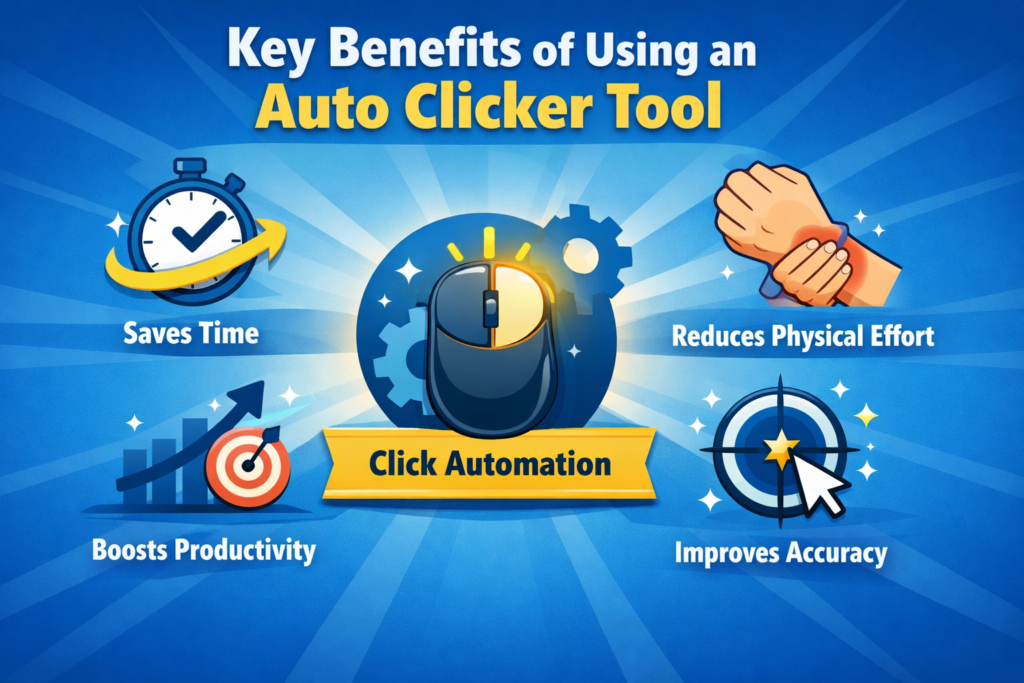
Key Benefits of Using an Auto Clicker Tool
1. Saves Time
Time is valuable, especially when you have deadlines or multiple tasks to complete. Automating clicks helps you finish repetitive work faster.
2. Reduces Physical Effort
Continuous clicking can strain your fingers and wrist. Using an Auto Clicker Tool reduces this physical stress and makes your work more comfortable.
3. Boosts Productivity
When repetitive tasks are handled automatically, you can focus on more important and creative work.
4. Improves Accuracy
Manual clicking can lead to mistakes, especially when done quickly. Automation ensures consistent and accurate clicks every time.
5. Easy to Use
Most auto clickers have a simple interface that anyone can understand without technical knowledge.
Where Can You Use It?
The uses of an Auto Clicker Tool are wide and practical. Here are some common examples:
- Gaming: Many games require repeated clicking to earn points, collect rewards, or perform actions. Auto clickers help players improve efficiency and reduce effort.
- Data Entry Tasks: Jobs that involve selecting options or clicking buttons repeatedly can be completed more quickly with automation.
- Online Forms and Surveys: If you need to fill out similar forms multiple times, the tool can speed up the process.
- Software Testing: Developers use auto clickers to test applications by simulating user interactions.
- E-commerce Monitoring: Refreshing pages to check product availability or deals becomes easier with automated clicking.
Things to Keep in Mind
While an Auto Clicker Tool is very useful, it is important to use it responsibly:
- Always download from trusted sources.
- Avoid using it in restricted platforms or games.
- Test settings before running long tasks.
- Do not overuse automation where manual work is required.
Using the tool wisely ensures safety and avoids any issues.
Advantages and Limitations
Advantages
- Saves time and energy
- Reduces manual effort
- Improves efficiency
- Works with customizable settings
Limitations
- Not allowed in some online games
- Needs proper setup
- Overdependence can reduce manual skills.
Even with a few limitations, the overall usefulness of an Auto Clicker Tool makes it a valuable addition to your digital toolkit.
Tips for Best Results
To make the most out of this tool, follow these simple tips:
- Start with slow click speeds and adjust gradually.
- Use keyboard shortcuts for better control.
- Monitor the tool while it is running.
- Customize settings based on your task.
These small steps can help you use the tool more effectively and safely.
Future of Automation Tools
Automation is becoming an important part of modern technology. Tools like auto clickers are just the beginning. In the future, we can expect smarter tools that use artificial intelligence to perform more complex tasks.
The Auto Clicker Tool may evolve into a more advanced automation system that understands user behavior and automates entire workflows, not just clicks. This will make digital work even faster and more efficient.
Conclusion
In conclusion, an Auto Clicker Tool is a simple yet powerful solution for handling repetitive clicking tasks. It saves time, reduces effort, and helps you work more efficiently. Whether you are playing games, working on projects, or managing online tasks, this tool can make your life much easier.
By using it wisely and responsibly, you can improve your productivity and focus on what truly matters. In a world where time and efficiency are important, tools like these are no longer optional—they are essential.